
Gaming Laptop Guide for South Africans: The Ultimate Buying Guide
Gaming laptops have become more powerful, portable, and affordable than ever before. Whether you’re a casual gamer, an esports enthusiast, a university student, or a content creator, choosing the right gaming laptop can significantly improve your gaming experience. Continue to read more about The Complete Gaming Laptop Buying Guide for South Africa.
However, with dozens of brands, hundreds of configurations, and constantly changing hardware, buying the right gaming laptop in South Africa can feel overwhelming.
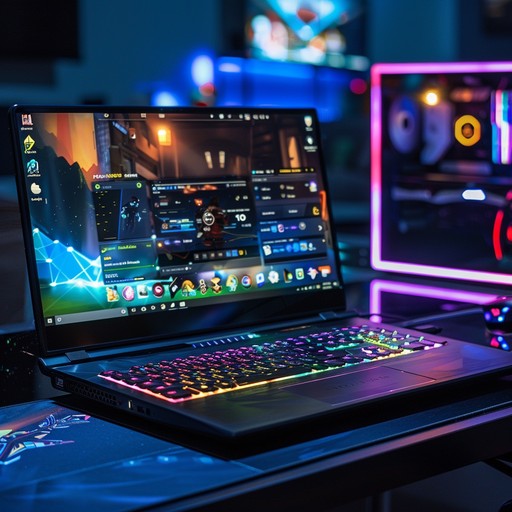
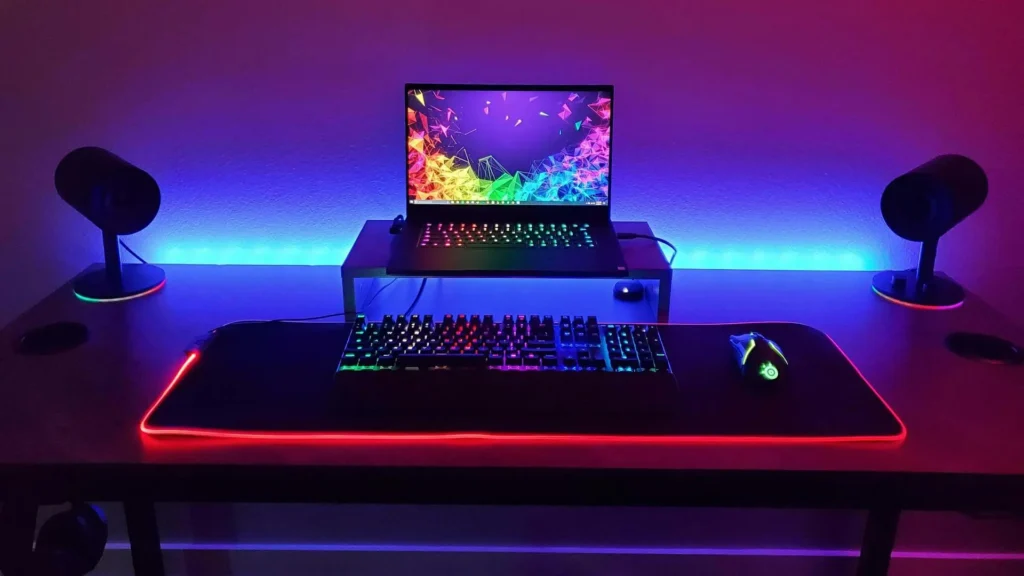
This guide explains everything you need to know before spending your money. Instead of recommending one specific model that may become outdated, this guide focuses on the features that matter most, helping you choose a gaming laptop that remains relevant for years.
Why This Guide Is Different
Most gaming laptop guides are written for the US or UK market and simply converted to Rand. That doesn’t work in South Africa. Here, your buying decision also has to account for the rand-dollar exchange rate driving up import costs, load shedding taking down your power mid-match, warmer average temperatures stressing your cooling system, and a retail landscape where local warranty support matters far more than it does overseas.
This guide focuses on what actually matters for South African gamers: which specs are worth paying for, realistic budget tiers in Rand, the brands with genuine local support, and the power and climate considerations that are unique to buying and running a gaming laptop here. It’s built to stay useful over time, the core buying principles below don’t change every time a new GPU generation launches, so treat this as your long-term reference, not a one-off shopping list.
Do You Actually Need a Gaming Laptop?
Before comparing specs, it’s worth asking whether a laptop is even the right form factor. Gaming laptops have closed the performance gap with desktops significantly, but a desktop still delivers more frames per Rand spent, since you’re not paying a premium for compact, battery-powered components.
A gaming laptop makes the most sense if:
- You move between locations, home, res, office, or travelling for work or study.
- You have limited space and can’t dedicate a desk to a tower and monitor.
- You want one machine that handles both gaming and everyday productivity.
A desktop is the smarter buy if you have a permanent setup and want the absolute best performance for your budget, since desktop components cost less than their laptop-mobile equivalents.
The Specs That Actually Matter
Marketing copy on laptop listings can be overwhelming. Here’s what genuinely affects your gaming experience, in order of importance.
1. The GPU (Graphics Card)
The GPU is the single biggest factor in gaming performance. Look for a dedicated NVIDIA GeForce RTX or AMD Radeon RX mobile GPU rather than integrated graphics. Within any GPU generation, the tiering is roughly:
- Entry tier: handles esports titles (Valorant, CS2, Fortnite, League of Legends) comfortably at high frame rates, and current AAA games at lower settings.
- Mid tier: the sweet spot for most South African buyers. Runs most AAA titles at 1080p–1440p with high settings and upscaling technology switched on.
- High tier: desktop-replacement territory, built for 1440p/4K gaming, high refresh rates, and creative work like video editing or 3D rendering alongside gaming.
Because GPU generations refresh roughly every one to two years, don’t fixate on a specific model number — instead, compare where a laptop’s GPU sits within its current generation’s tiering, and check recent independent benchmarks before buying.
2. CPU (Processor)
Pair a good GPU with a capable CPU, or you’ll bottleneck your frame rate. A current-generation Intel Core i5/i7 or AMD Ryzen 5/7 is sufficient for the vast majority of games. Only go up to an i9 or Ryzen 9 if you’re also doing heavy multitasking, streaming, or content creation alongside gaming.
3. RAM (Memory)
- 16GB is the realistic minimum for smooth modern gaming and multitasking in 2026 and beyond.
- 32GB is worth the extra spend if you stream, run multiple background apps, or do design/engineering work alongside gaming.
4. Storage
Insist on an NVMe SSD, not a traditional hard drive, it’s the difference between a game loading in seconds versus over a minute. 512GB is a workable minimum; 1TB avoids the constant juggling act of uninstalling games to make space, since modern AAA titles frequently exceed 100GB each.
5. Display
A powerful GPU is wasted on a poor screen. Aim for:
- Resolution: 1080p is fine for high frame rates on a budget; 1440p (QHD) is the current sweet spot for sharper visuals without demanding flagship hardware.
- Refresh rate: 144Hz minimum for a noticeably smoother experience; 165Hz or higher if you play competitive shooters.
- Panel quality: Look for good colour accuracy and brightness (400 nits or higher) so the screen doesn’t wash out in a bright room.
6. Cooling System
This is the spec buyers most often ignore, and the one that matters most for longevity in South Africa’s warmer climate. A laptop with a weak cooling system will throttle performance under sustained load and age faster. Look for multiple fans, adequate heat pipes or a vapour chamber, and read independent thermal reviews before buying, especially for laptops used for long gaming sessions.
7. Battery and Portability
Gaming drains battery fast regardless of the laptop, so don’t buy a gaming laptop expecting all-day gaming away from a plug socket. If portability matters to you, weigh screen size and chassis weight against performance, a slimmer 14–15″ laptop is easier to carry than a 17″ desktop-replacement model.
Budget Tiers in South Africa
Prices shift with the rand-dollar exchange rate and global chip supply, so treat the figures below as a general guide to relative positioning rather than fixed numbers, and always check current retailer pricing before buying.
| Tier | Typical Use Case | What to Expect |
|---|---|---|
| Entry-level (budget) | Esports titles, older or less demanding AAA games | Entry-tier dedicated GPU, 16GB RAM, 512GB SSD, 1080p 144Hz display |
| Mid-range (best value for most buyers) | Most current AAA games at high settings | Mid-tier GPU, 16–32GB RAM, 512GB–1TB SSD, 1080p/1440p high-refresh display |
| High-end (enthusiast/creator) | 1440p/4K gaming, streaming, content creation | High-tier GPU, 32GB RAM, 1TB+ SSD, premium high-refresh or OLED display, advanced cooling |
Buying tip: The mid-range tier consistently offers the best balance of performance and price for South African gamers. Entry-level machines are tempting on price but can struggle with cooling and future-proofing; top-tier laptops carry a steep price premium for marginal real-world gains unless you specifically need 1440p/4K performance.
Best Brands Available in SA
Brand choice affects build quality, cooling design, after-sales support, and driver/software experience. All of the below have an established presence in South Africa with local warranty support through authorised resellers:
- ASUS (ROG and TUF Gaming lines): ROG is the premium performance line with innovative cooling and build quality; TUF Gaming targets the value-conscious buyer with more rugged, durable construction.
- MSI: Known for robust cooling solutions that let components run at their peak under sustained load, a genuine advantage in warmer local conditions.
- Lenovo (Legion and LOQ lines): Legion targets performance-focused gamers; LOQ is Lenovo’s more affordable value line.
- Acer (Predator and Nitro lines): Predator sits at the premium end; Nitro offers strong value for budget and mid-range buyers.
- Dell (Alienware and G-series): Alienware is a premium, distinctive-design option; the G-series offers more accessible pricing.
Rather than fixating on one “best” brand, compare the specific model’s specs, thermal reviews, and warranty terms, build quality and support can vary between product lines even within the same brand.
Where to Buy: Retailer and Warranty Tips
- Buy from authorised local resellers, not grey-market importers. This ensures you get valid local warranty support, rather than having to ship a faulty unit overseas at your own cost.
- Check the warranty length and what it covers, most gaming laptops in SA come with a standard one- to two-year warranty. Consider an extended warranty or on-site support plan for peace of mind, especially for premium purchases.
- Confirm local stock versus special-order, special-order units can take weeks to arrive and complicate returns.
- Time big purchases around sales events like Black Friday, when retailers typically offer the steepest discounts of the year.
- Read the return policy carefully before buying, particularly for online purchases, and understand your rights under the Consumer Protection Act.
Load Shedding: Keeping Your Laptop Running
Unlike desktop gamers, laptop owners have a natural advantage during power cuts: the battery keeps the machine running. But there are still smart precautions to take.
- Charge to 80%, not always 100%, if your laptop supports charge-limiting software, this extends long-term battery lifespan, since batteries degrade faster when kept constantly at full charge.
- Keep your router on a small UPS or battery backup. Your laptop can run on its own battery, but your internet connection can’t, a compact UPS or backup battery for your router keeps you online during outages.
- Avoid charging during power surges. The voltage spike when power returns after an outage can be harder on electronics than the outage itself. A surge-protected plug or UPS between your charger and the wall socket is cheap insurance.
- Don’t rely on the laptop battery for long sessions during extended outages. It’s designed for short-term mobility, not hours of sustained gaming load, plan around your load shedding schedule where possible.
Climate and Cooling Care for SA Conditions
South Africa’s warmer average temperatures and dustier conditions in many regions (coastal areas especially) mean gaming laptops need a bit more maintenance than the international average review assumes.
- Clean the vents every three to six months. Dust buildup restricts airflow and raises internal temperatures, which throttles performance and shortens component life.
- Elevate the rear of the laptop with a stand or cooling pad to improve airflow underneath, especially during long gaming sessions in summer.
- Use performance mode only when needed. Manufacturer software typically offers a silent or balanced mode for everyday use and a performance mode that spins fans up for gaming, save the aggressive setting for when you actually need the frame rate.
- Avoid gaming on soft surfaces like beds or couches, which block intake vents and cause rapid overheating.
- Have a technician check thermal paste if you notice a used or older laptop running unusually hot, dried-out thermal paste is a common, fixable cause of throttling.
Common Buying Mistakes to Avoid
- Buying on GPU name alone, without checking RAM and storage. A great GPU paired with 8GB RAM or a slow hard drive will bottleneck your experience.
- Ignoring the display for the sake of a cheaper price. A weak screen undermines even a powerful GPU.
- Skipping thermal reviews. Two laptops with the same on-paper GPU can perform very differently depending on cooling design, always check independent benchmark and thermal reviews before buying.
- Forgetting resale and upgrade potential. Laptops with accessible RAM/SSD upgrade slots hold their usefulness longer than fully soldered, non-upgradeable models.
- Buying grey-market imports to save money. The savings rarely outweigh the loss of local warranty support if something goes wrong.
Frequently Asked Questions
How much should I budget for a decent gaming laptop in South Africa? Entry-level machines capable of solid esports and light AAA gaming start at the lower end of the market, while the mid-range tier, offering the best overall value for most buyers, sits comfortably above that. High-end, desktop-replacement laptops command a significant premium. Exact pricing shifts with the exchange rate and global component supply, so compare current listings from authorised local resellers before deciding.
Is 16GB of RAM enough for gaming in South Africa right now? Yes, 16GB is currently the practical minimum for smooth modern gaming and multitasking. Consider 32GB if you also stream, run demanding creative software, or want extra future-proofing.
Do I need an OLED screen for gaming? No, it’s a nice-to-have, not a requirement. A high-refresh-rate IPS panel with good brightness and colour accuracy delivers an excellent gaming experience at a lower price than OLED.
How do I protect my gaming laptop during load shedding? Keep it charged where possible, avoid charging during power-restoration surges, and put your router on a small UPS or battery backup so you stay online even if your laptop is running purely on battery.
Is it better to buy a gaming laptop or build a gaming desktop in South Africa? A desktop delivers more performance per Rand and is cheaper to upgrade over time. A laptop wins if you need portability, have limited space, or want a single machine for both gaming and everyday use.
How long should a good gaming laptop last? With proper cooling maintenance and sensible use, a well-specced gaming laptop should comfortably handle current games for three to four years, and remain usable at reduced settings well beyond that.
Choosing the best gaming laptop in South Africa isn’t about buying the most expensive model, it’s about matching your budget to your needs. Focus first on the graphics card, then the processor, RAM, storage, display quality, and cooling system. A balanced configuration from a reputable manufacturer will often provide a better long-term experience than chasing the highest specifications on paper.
By understanding the core components and avoiding common buying mistakes, you’ll be able to invest in a gaming laptop that delivers excellent performance for gaming, work, and study today while remaining useful well into the future.